Solitaire - Classic Card Games
Guru Puzzle GameCard
4.912.98K Reviews
- Version
- 7.6.0-26102245
- Installs
- 50.00M
- Age Rating
- Everyone
Screenshots
Our Review of Solitaire - Classic Card Games
 Analysis by Appyee
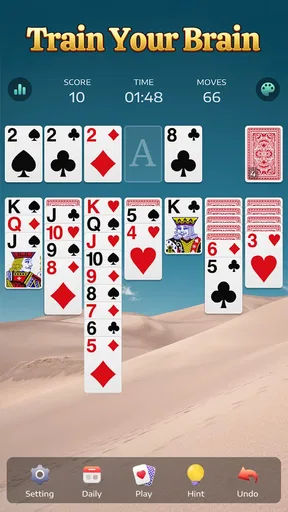
I reach for Solitaire - Classic Card Games when I want a familiar card game that doesn’t ask me to learn a new rule set before I can settle in. Its main appeal is the straightforward solitaire routine: sort the tableau, look for a useful move, and decide when it is worth drawing another card. That simple loop works well on a phone because I can play a little, pause, and return without needing to remember a story or a complicated sequence of controls.
A familiar game built for a phone screen
As a card game from Guru Puzzle Game, this is aimed at people who want solitaire itself, rather than a collection of unrelated distractions. The cards and layout keep the focus on reading the current position and planning a few moves ahead. I value that restraint: a mobile game can easily bury its central activity under menus and competing modes, but here the basic pleasure is still deciding what to move next.
The app is free to download and rated for Everyone, so it is easy to try without committing to a purchase. Optional in-app purchases range from $0.99 to $59.99 per item, which is worth keeping in mind if you manage spending on a device shared with a child. I would treat the free version as the place to decide whether the game’s pace and presentation suit you before considering any purchase.
Small decisions make the rounds satisfying
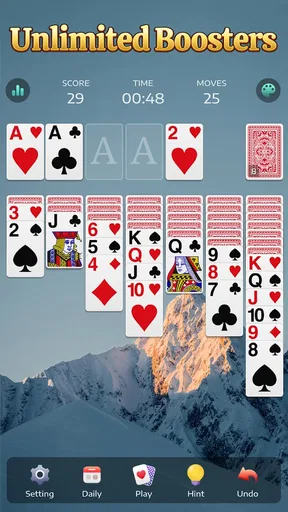
Solitaire is not only about moving any available card. A move can uncover a face-down card, free a space, or preserve a useful sequence, so I try to think about what it enables rather than tapping the first legal option. When I am unsure, a hint can point toward a possible move, but I still need to judge whether that move helps the position I am trying to build. Used that way, the hint is a nudge rather than a substitute for playing.
That distinction is useful in short sessions. If I have only a few minutes, I can make a couple of deliberate moves and stop; if I have more time, I can stay with a difficult layout and weigh the trade-offs. The game rewards patience more than speed, which is one reason I find it a better fit for a quiet break than for someone looking for constant action.
The Classic Experience
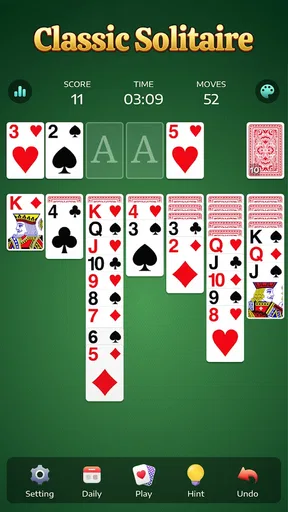
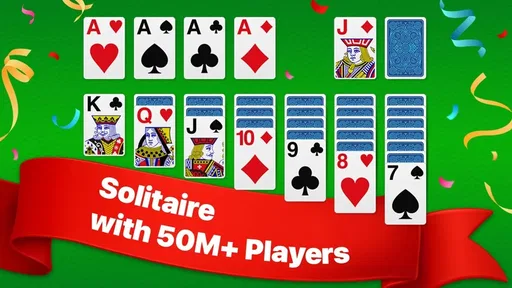
When you first open Solitaire - Classic Card Games, it feels like cracking open a deck of cards. The app captures the essence of the traditional game perfectly. The design is clean and straightforward, with crisp graphics that make the cards easy to read. There’s no unnecessary clutter, which is something I really appreciate. It’s just you, the cards, and that familiar feeling of strategizing your next move.
Features That Stand Out
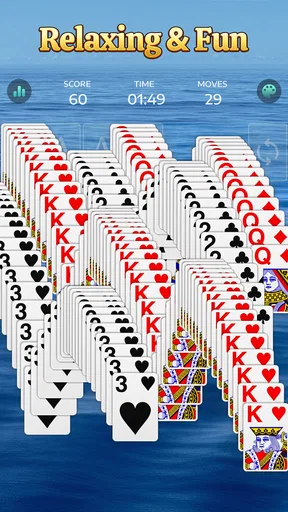
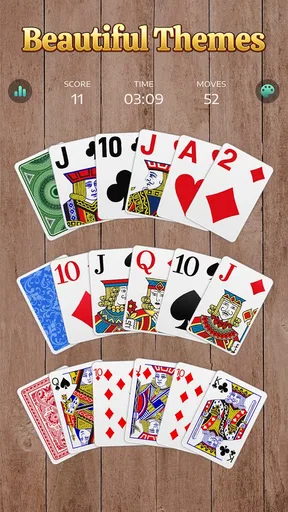
One of the things I love about this app is the customizable experience. You can choose from a variety of card designs and backgrounds, which adds a personal touch to your game. Feeling adventurous? Try out the different difficulty levels to challenge yourself. And if you ever get stuck, there's a handy hint feature that points you in the right direction without giving too much away.
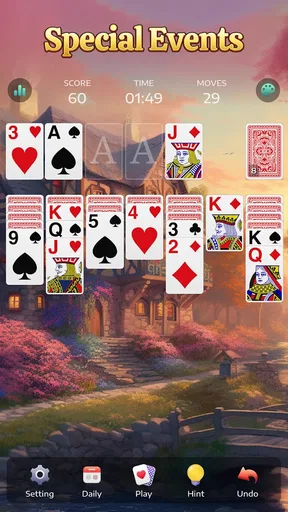
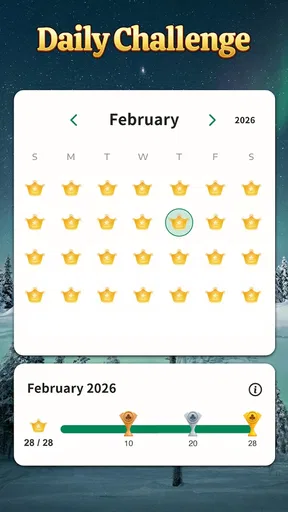
Another cool feature is the daily challenges. These keep the game fresh and exciting, offering new puzzles to solve every day. Plus, you can track your progress and see how you stack up against other players with the leaderboard. It creates a sense of community and adds a competitive edge, which is super fun.
How it fits everyday life
A realistic use for these short rounds is a waiting-room pause or the stretch between finishing a task and starting the next one. I like that solitaire gives that spare time a clear shape: I can focus on one layout rather than scroll through an endless feed, then put the phone away when I am ready. At home, a daily challenge can also make a familiar routine feel slightly different without asking me to learn a new game.
For a more useful session, I avoid treating every hint as an instruction. I first scan the columns for moves that expose hidden cards, then check whether moving a card to a foundation would block a sequence I may need later. That small habit makes the game feel more like a puzzle and less like tapping until the screen changes. If I only want to unwind, though, I can ignore the optimization and play at my own pace.
Where it differs from other solitaire options
Compared with a physical deck, this version is easier to start in a spare moment and does the card handling for me, but it cannot replace the tactile feel of shuffling and laying cards on a table. Compared with a bare-bones digital solitaire game, the customization, challenge structure, and progress features give me more reasons to return. Those extras are most useful if I enjoy small goals; if I only want an uncluttered digital deck, they may matter less than a minimal alternative.
The daily challenge and leaderboard also change the mood from purely solitary play to a light sense of comparison. I see that as optional motivation rather than the point of the game. Someone who dislikes tracking progress or comparing results can still focus on the card layout, while a player who enjoys a reason to come back may appreciate having a fresh target.
What to expect before installing
The game has an average rating of 4.8 from around 561,000 ratings and has been installed over 50 million times. Those figures suggest that classic solitaire has broad appeal, but they do not guarantee that its particular presentation will suit every player. Guru Puzzle Game released it on April 25, 2021; the current version is 5.11.1-25120246, and it requires Android 6.0 or later. It is also available on iOS.
One practical question is whether the game suits someone who has never played solitaire. I think it can: the familiar card layout makes the objective approachable, and the hint feature can help when a position is unclear. A beginner should still expect to learn through a few rounds, because a hint identifies a possible move without necessarily explaining the longer plan behind it.
Another question is whether it is a good choice for a competitive player. The leaderboard adds a comparison element, but the central activity remains a calm solo card puzzle. If you want rapid multiplayer matches or a game built around direct competition, I would look elsewhere; this is better for measured decisions than head-to-head excitement.
Who gets the most from it
I would recommend it to people who already enjoy solitaire, newcomers who want a low-pressure way to learn, and anyone who likes a familiar puzzle for short breaks. The design options let regular players make the table feel more personal, while the daily challenges give routine sessions a reason to vary. Its rating of Everyone also makes it approachable for a broad range of ages, though purchase settings are sensible to review on a shared device.
I would skip it if card games feel repetitive to you, if you want a narrative or action-heavy game, or if you need every round to be social. Solitaire’s appeal comes from working through one position at a time, and the same measured pace that makes it relaxing can feel slow when you want constant novelty. Players who prefer a physical deck or a more stripped-down app may also find that another format suits them better.
Why You’ll Love It
Whether you're on a quick coffee break or winding down before bed, this app is perfect for filling those little pockets of time. It’s also a great way to keep your mind sharp. While the game is simple, it’s also surprisingly strategic, requiring you to think a few steps ahead. It’s like a workout for your brain, disguised as a relaxing pastime.
The app runs smoothly on both Android and iOS, and I haven’t encountered any bugs or crashes. The developers seem to have done a great job ensuring a seamless experience. Plus, the game doesn’t bombard you with ads, which is a huge plus in my book.
Wrapping It Up
Overall, Solitaire - Classic Card Games is a solid choice for anyone looking to enjoy a classic card game on their mobile device. It brings a sense of nostalgia with a modern twist, thanks to its customizable features and daily challenges. So, if you’re in the mood for a game that’s both relaxing and engaging, give this app a try. You might just find yourself hooked!
Privacy and Permissions
See what permissions an app requests and how it handles your data.
- Phone
- read phone status and identity
- Photos/Media/Files
- read the contents of your USB storage, modify or delete the contents of your USB storage
- Storage
- read the contents of your USB storage, modify or delete the contents of your USB storage
- Wi-Fi connection information
- view Wi-Fi connections
- Device ID & call information
- read phone status and identity
- Other
- view network connections, full network access, control vibration, prevent device from sleeping, read Google service configuration
Verdict
Strengths of Solitaire - Classic Card Games
- Smooth and intuitive interface.
- Offline play is available.
- Customizable card themes.
- Daily challenges add variety.
- Minimal ads for free version.
Limitations of Solitaire - Classic Card Games
- Limited advanced features.
- No multiplayer option.
- Occasional in-app purchase prompts.
- Ads can be slightly intrusive.
- No landscape mode option.
Other Releases by Guru Puzzle Game
View All
Ball Sort Puzzle - Color Game
Puzzle4.9

Water Sort Puzzle - Sort Color
Puzzle4.8

Differences - Find & Spot It
Puzzle4.9

Goods Puzzle: 3D Sorting Games
Puzzle4.9
Similar Picks in This Category
View All
Solitaire - Classic Card Games
MobilityWare4.6

UNO!™
Mattel163 Limited4.3

Spider Solitaire: Card Games
MobilityWare4.6

Solitaire.com - Classic Cards
Tripledot Studios Limited4.7

Plants vs. Zombies™ Heroes
ELECTRONIC ARTS4.1

Hearthstone
Blizzard Entertainment, Inc.4.1
You May Also Like
View All


Frequently Asked Questions
What features does Solitaire - Classic Card Games offer?
Solitaire - Classic Card Games offers a variety of features to enhance your gaming experience, including customizable card decks and backgrounds, daily challenges, and a scoring system. The app also includes helpful hints, an undo feature, and an auto-complete option to finish games quickly. These features aim to make the game accessible and enjoyable for all players.
Is Solitaire - Classic Card Games available offline?
Yes, Solitaire - Classic Card Games can be played offline, making it perfect for those who want to enjoy a game during travel or in areas with limited internet access. While some features, such as daily challenges, may require an internet connection, the core gameplay is fully functional offline.
Does Solitaire - Classic Card Games contain ads or in-app purchases?
The app does contain ads, which can be removed with a one-time in-app purchase. Additionally, there are optional in-app purchases available for cosmetic upgrades like extra card designs and themes. These purchases are not necessary for gameplay but can enhance your personal experience.
How user-friendly is Solitaire - Classic Card Games for beginners?
Solitaire - Classic Card Games is very beginner-friendly. It includes a tutorial to help new players understand the basics of the game. The interface is intuitive, and features like hints and an undo button provide assistance as players learn the ropes, ensuring a smooth and enjoyable experience for all skill levels.
Is Solitaire - Classic Card Games available on both Android and iOS?
Yes, Solitaire - Classic Card Games is available for both Android and iOS devices. This cross-platform availability ensures that players can enjoy the game on a wide range of smartphones and tablets, providing a consistent and enjoyable experience regardless of the device being used.
Play our best games!


